Mac Studio vs RTX 5090: Speed, VRAM & Local LLM Limits
At ~$5,000 workstation budgets, the RTX 5090 runs models under 32 GB ~1.8x faster on prompts and 23%–28% faster on generation—until 70B+ checkpoints spill over PCIe down to 1.5–4.6 tok/s, where M5 Ultra Mac Studio’s 96–512 GB unified memory wins cleanly.
THE STORY IN THREE POINTS
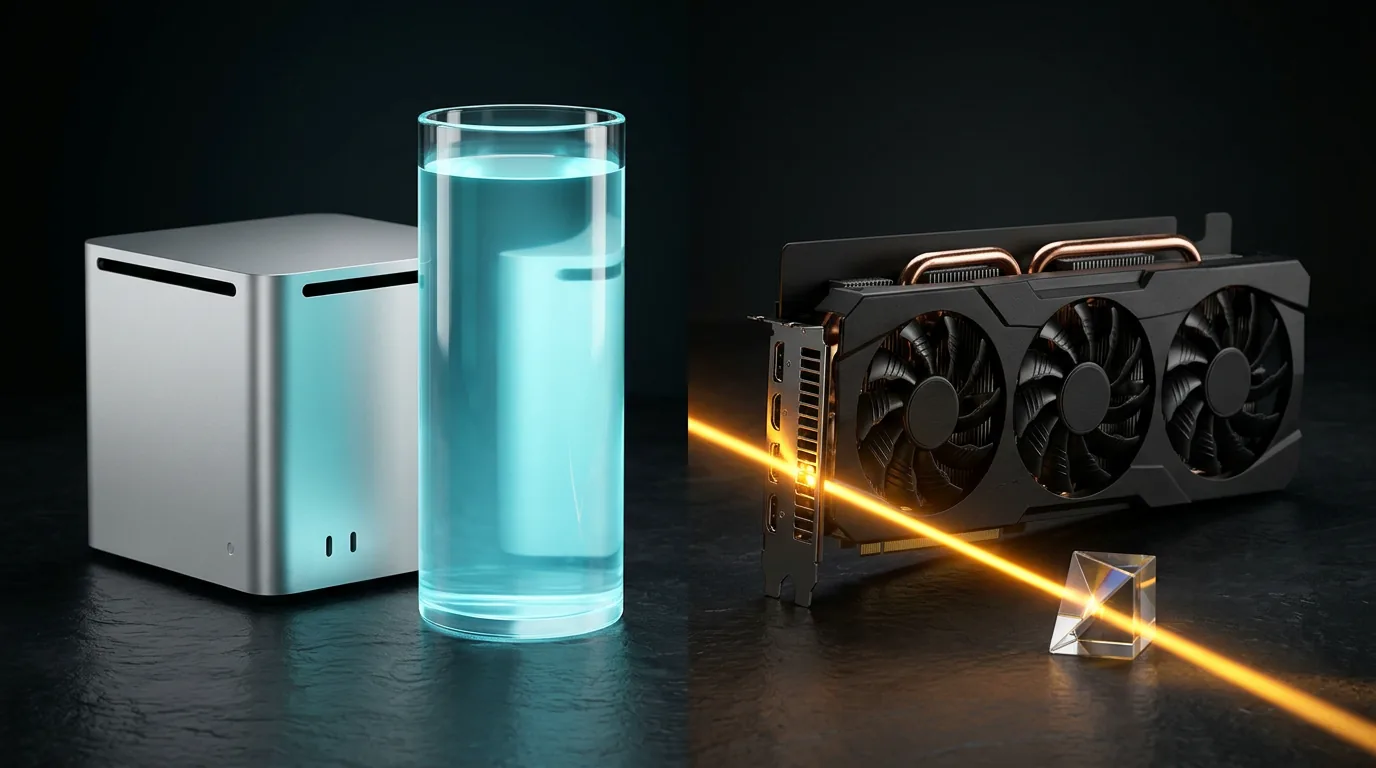
- Decisive boundary—engine horsepower vs fuel tank capacity: when quantized weights and KV cache fit inside 32 GB GDDR7, an RTX 5090 PC (1,792 GB/s) processes prompts ~1.8x faster and generates text 23%–28% faster than an M5 Ultra Mac Studio (1.2 TB/s) across every context length.
- Once model size crosses 32 GB (such as a 4-bit 70B model requiring ~38–42 GB plus context) and spills into DDR5 system memory, RTX 5090 generation collapses to 1.5–4.6 tok/s, whereas an M5 Ultra Mac Studio (96 GB to 512 GB unified memory) keeps massive models completely resident.
- Software and power lock in the split: Mac Studio peaks near ~300 W during LLM inference (385 W max) silently in one box, while a 5090 PC draws 567–577 W at peak—yet only the RTX 5090 PC runs native CUDA, vLLM, TensorRT-LLM, Unsloth QLoRA fine-tuning, and GPU-accelerated Docker containers.
The $5,000 threshold: raw 32 GB GPU bandwidth vs 512 GB unified memory
Buyers allocating roughly $5,000 for an on-desk local AI workstation usually face one binary choice: a custom workstation built around NVIDIA’s GeForce RTX 5090 (32 GB GDDR7 across a 512-bit bus at 1,792 GB/s, 21,760 CUDA cores) or Apple’s Mac Studio configured with M5 Ultra (80-core GPU with Neural Accelerators and 96 GB to 512 GB unified memory at up to 1.2 TB/s).
Engineering benchmarks highlight why raw FLOPS comparisons mislead buyers: autoregressive decoding is memory-bandwidth bound when weights fit in fast VRAM, and catastrophically PCIe-bound the moment they spill out.
Inside 32 GB vs the 70B spillover cliff: 1.8x faster vs 1.5–4.6 tok/s crash
Side-by-side benchmarks published by MacStories (~September 21, 2026) and compiled by SourceIT on November 8—testing M5 Ultra on MLX (oQ4e) against a 5090 workstation running LM Studio 0.4.24 (GGUF Q4_K_M, CUDA 12)—pinpoint the exact crossover point.
On 8B to 32B models fitting cleanly inside 32 GB VRAM, the RTX 5090 workstation processed input prompts roughly 1.8x faster and emitted output tokens 23%–28% faster across all tested context lengths. As soon as workloads crossed 32 GB—such as 4-bit 70B weights or ultra-long 128K context sessions—offloading layers into host RAM dropped the 5090 PC down to 1.5–4.6 tokens per second, while high-RAM Mac Studios ran those same checkpoints smoothly inside unified memory (covered alongside consumer GPUs in our Best GPU for Local LLM guide).
300 W silence vs 577 W heat—and why Docker GPU passthrough matters
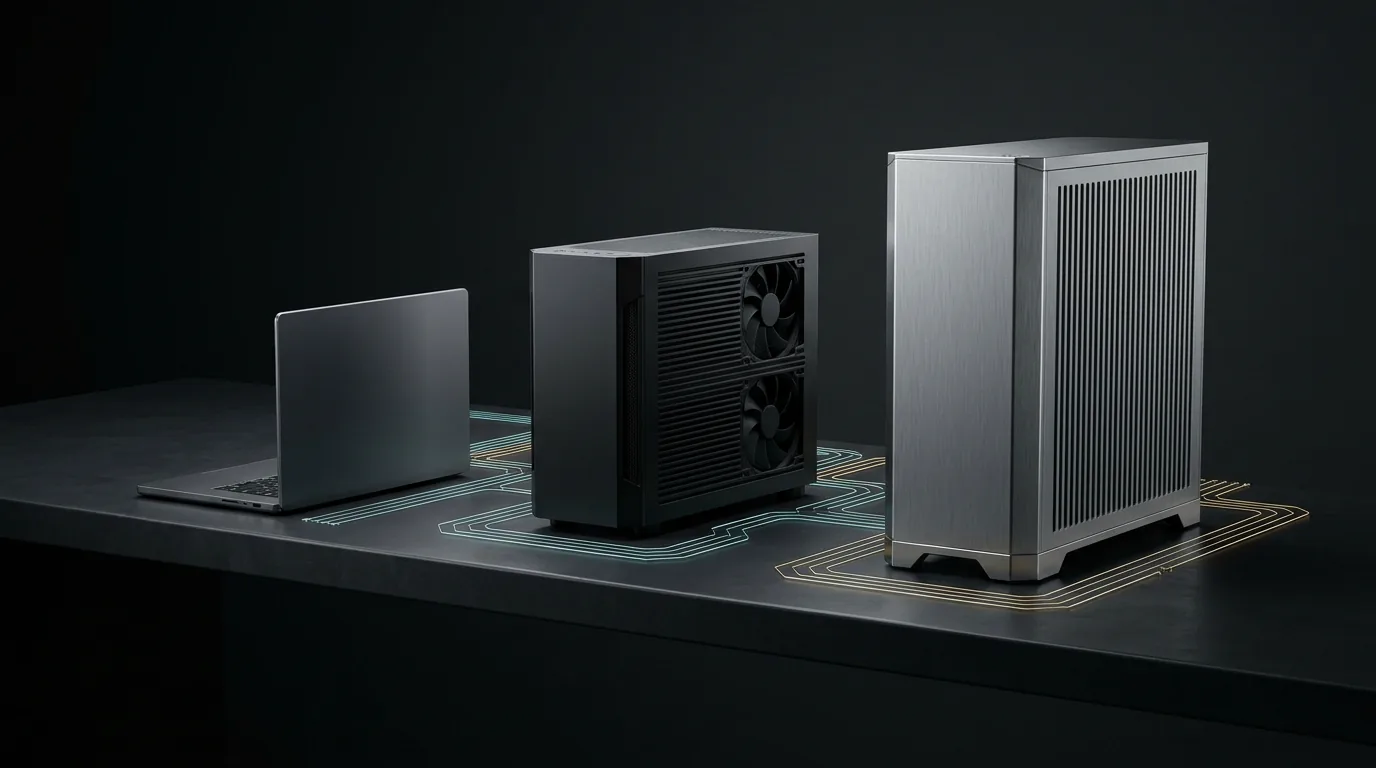
Desktop ergonomics diverge just as sharply as memory capacity. Measured peak power sits near 300 W for the M5 Ultra Mac Studio during LLM inference (385 W ceiling) in a quiet chassis compared with 567–577 W peak draw on a full RTX 5090 tower, though PC buyers retain modular upgrade paths for storage, cooling, or adding a second GPU.
Runtime tooling often overrides memory math: the RTX 5090 unlocks the entire Linux/Windows CUDA ecosystem—including native vLLM continuous batching, TensorRT-LLM, PyTorch training, single-card QLoRA via Unsloth, NVFP4 kernels, and Docker GPU containers. Mac Studio excels on native Apple MLX, llama.cpp, Ollama, and LM Studio, but macOS Docker containers cannot pass through Apple’s GPU and select PyTorch extensions remain CUDA-only.
How to choose between Mac Studio and an RTX 5090 build
Buy the RTX 5090 PC if you run quantized 14B–32B coding models inside 32 GB VRAM, fine-tune LoRAs locally, rely on Docker GPU microservices or image/video CUDA pipelines, or serve fast single-user coding completions.
Buy the Mac Studio M5 Ultra (configuring unified RAM upward at checkout, since memory is soldered) if your primary goal is running 70B–400B+ Mixture-of-Experts models locally, holding giant 128K+ agentic context windows, or maintaining quiet 24/7 desk operation at roughly half the wall power.
Sources: Mac Studio vs RTX 5090 PC: Which AI Workstation Wins?|SourceIT ↗ NVIDIA GeForce RTX 50 Series Architecture & 5090 Specs|NVIDIA ↗ Apple Mac Studio Technical Specifications|Apple ↗
THE BROADER CONTEXT · FRONTIER LABS DOSSIER
Explore full product specifications, pricing analysis, and continuous coverage in the Frontier Labs Desk Hub and Others Dossier. Independent benchmarks available on the AI Intelligence Index and Coding Agents Leaderboard.