Computer Use Agents: What They Are and How to Compare Them
A comprehensive guide to Computer Use Agents (CUAs), dissecting the boundary between foundation models, execution tools, and operating system environments across proprietary and open-weight stacks.

THE STORY IN THREE POINTS
- A complete Computer Use Agent pairs three structural layers: a multimodal foundation model, an execution harness with client tools, and an operating system runtime environment.
- Anthropic’s computer use API operates as a client toolset requiring user-managed execution environments, while open-weight models like NorthCUA offer downloadable weights with specialized execution harnesses.
- Standardized benchmarks like OSWorld provide independent evaluation of desktop automation across operating systems, evaluating task completion and error recovery rather than static vision accuracy.
Architectural layers: What defines a computer use agent?
The emergence of the computer use agent represents a fundamental shift in software automation. Rather than relying on custom APIs or application-specific integrations, a computer use agent interacts with graphical user interfaces much like a human: observing screen captures, reasoning about visual application states, and dispatching mouse and keyboard actions to accomplish assigned goals. In our computer use agent guide, we examine the structural layers required to build these systems.
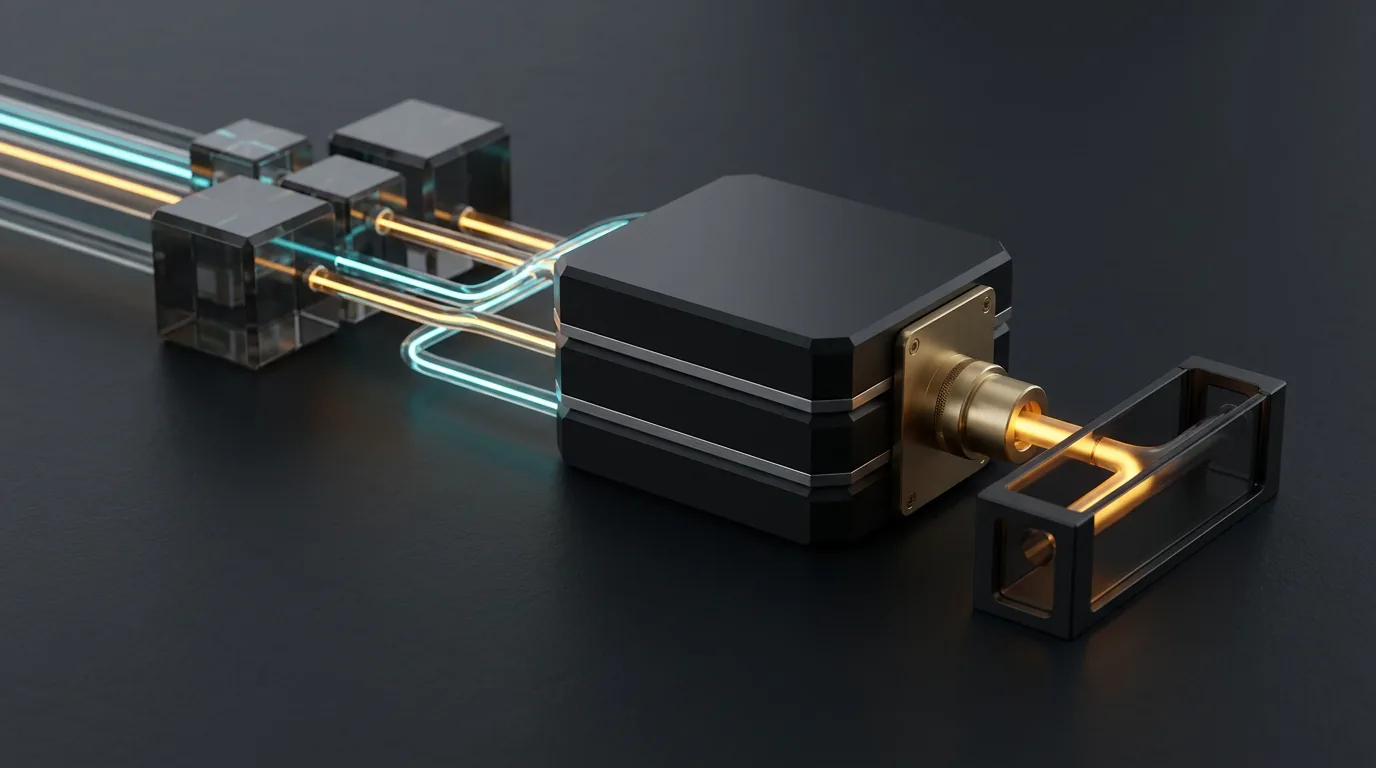
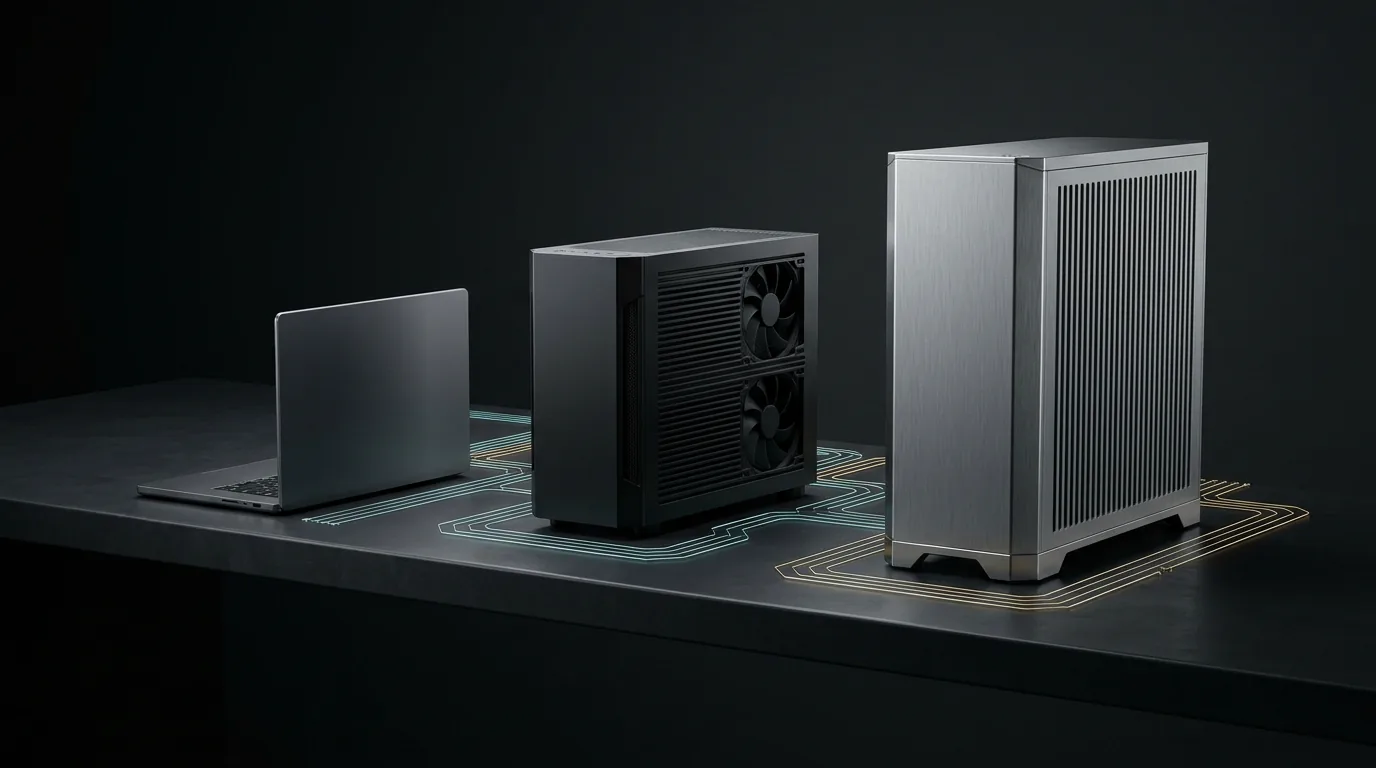
A sound computer use architecture requires distinguishing between three components: (1) the computer use model, which interprets images and emits action commands, (2) the execution tools, where configuring a computer use agent harness translates coordinates and keystrokes into system events with computer use tools, and (3) the environment, such as a virtual machine, container, or desktop OS. Separating these tiers prevents confusing model reasoning capabilities with harness-level features or benchmark evaluators.
Comparing approaches: Proprietary APIs and open source computer use agent stacks
Developers exploring computer use solutions encounter distinct architectural paradigms. In the proprietary ecosystem, Anthropic first introduced computer use capabilities in October 2024; as of its 2026 developer documentation, the API defines versioned client toolsets (such as computer_toolset_20260801) providing tools like screenshot, mouse click, and typing that execute inside caller-managed Docker containers running X11 and Linux environments. For developers deploying computer use agents, Claude models deliver frontier reasoning without hosting local weights, but require managing API token costs and container security.
Developers looking for computer use agents on GitHub should separate downloadable models from the tools that execute their actions. Beipo’s NorthCUA model family combines open weights with an execution harness for desktop actions. OpenCode Browse is a browser-specific MCP tool for delegating Chromium tabs to coding agents. The availability of open-source execution code does not by itself establish that the entire AI system is open source.
Evaluation and security: Navigating computer use benchmarks and computer use safety
Selecting the right architecture requires consulting rigorous computer use benchmarks across standardized test suites. In any comprehensive computer use agent benchmark evaluation, suites like OSWorld-Verified and the wider computer use model leaderboard evaluate how effectively agents handle multi-step desktop workflows across office applications, system settings, and web browsers, providing objective task completion and error recovery metrics.
Deploying computer use agents also demands strict attention to computer use safety. Because agents control live mouse and keyboard inputs, harnesses should implement dedicated virtual machines, minimal privileges, and confirmation prompts before irreversible actions like file deletions or financial transactions. Understanding these practical trade-offs allows teams to deploy autonomous desktop agents responsibly.
Sources: Anthropic Computer Use Announcement & Model Specifications|Anthropic ↗ Anthropic Computer Use Client Toolset & Environment Guide|Anthropic Docs ↗ NorthCUA Agent Harness & GUI Navigation Code Repository|GitHub ↗
THE BROADER CONTEXT · FRONTIER LABS DOSSIER
Explore full product specifications, pricing analysis, and continuous coverage in the Frontier Labs Desk Hub and Others Dossier. Independent benchmarks available on the AI Intelligence Index and Coding Agents Leaderboard.