OpenCode Browse: Browser Extension, MCP Setup and Permissions
Anomaly documents OpenCode Browse, pairing an MCP server with a Chromium extension to give coding agents controlled browser interaction via tab lending, pairing codes, and domain allowlists.
THE STORY IN THREE POINTS
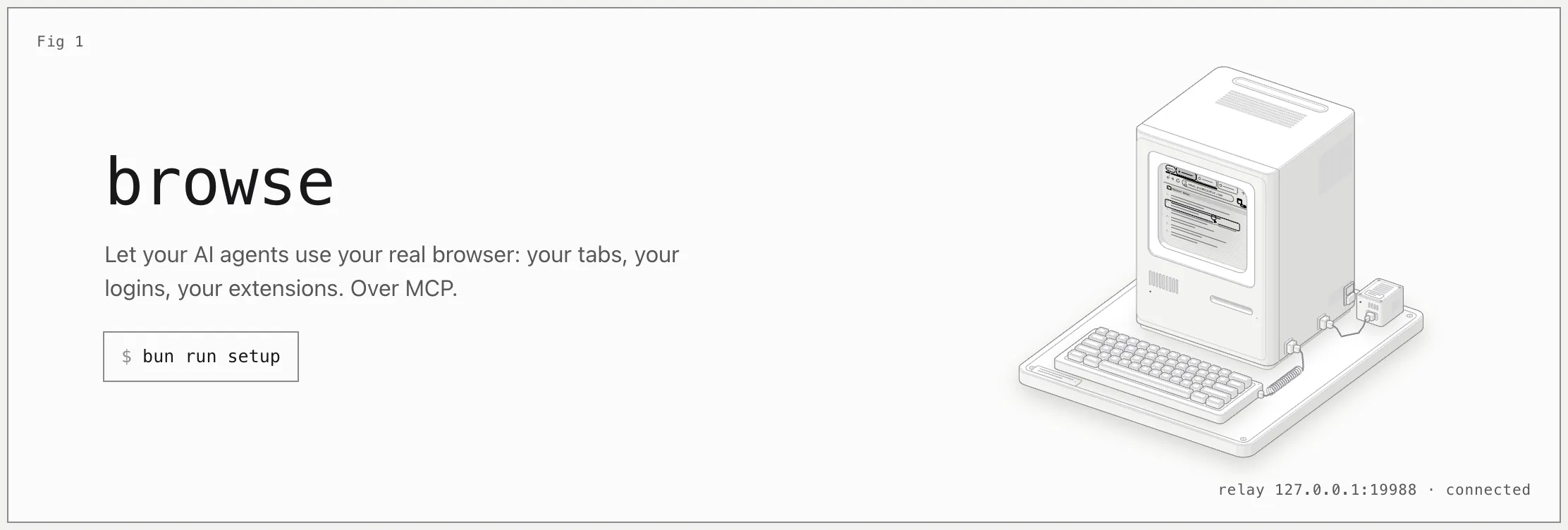
- OpenCode Browse comprises an MCP server and a Chromium extension engineered by Anomaly to let coding agents drive tabs in a user’s real browser with existing logins.
- The tool uses an explicit "tab borrowing" mechanism where users lend tabs from the toolbar and regain control on demand, complemented by interactive handoff cards for 2FA and logins.
- Installation recommends adding the Chrome extension first, followed by browse install to configure MCP clients, with pair --revoke providing explicit connection revocation.
Architecture and capabilities: Understanding OpenCode browse and browser use
As coding agents expand beyond local text files to web applications, Anomaly developed OpenCode browse to provide a structured bridge to desktop browsers. OpenCode browse is not a foundation model, but a developer tool consisting of the OpenCode browser MCP server paired with the official OpenCode browser extension for Chromium. It enables agents to drive tabs in a developer’s real browser—retaining active user sessions, logins, and extensions—using Playwright in background tab groups.
Through standardized OpenCode browser use capabilities, agents open tabs, take screenshots, inspect page layouts, and record sessions. For developers configuring OpenCode browser automation workflows, when an agent encounters sensitive user checkpoints such as authentication, multi-factor prompts, or payment flows, the system presents an in-page handoff card displaying the site origin, handing control back to the human developer until they click Continue.
Installation workflow: Configuring CLI tools and client MCP registration
The documented path for OpenCode browse install begins with installing the official Chrome extension from the Chrome Web Store, which guides developers through the remaining configuration steps. For direct command-line setup, developers can run npm install -g @opencode/browse followed by browse install, or use curl, PowerShell, or bun installers. Running the setup via npx requires Node.js 22.19+.
The installer places the browse binary in ~/.local/bin (or $XDG_BIN_HOME), verifies file size and SHA-256 checksums, writes the MCP server entry into the selected agent’s configuration, and establishes connection via a 10-minute pairing code. The OpenCode browser use cli integration supports multiple clients including OpenCode, Claude Code, Cursor, Codex, and Zed. For developers configuring an OpenCode browser use plugin or MCP integration, running browse install -a claude cursor or -a '*' registers multiple supported clients simultaneously.
Permission boundaries: Enforcing OpenCode browser control and permissions
Auditing OpenCode browse permissions requires reviewing the extension manifest and runtime relay boundaries. The extension requests Chromium permissions including debugger, tabs, tabGroups, storage, scripting, and broad web access so agents can operate across requested sites. However, script injection is applied strictly to tabs the agent actively uses rather than every page.
Enforcing rigorous OpenCode browser control relies on explicit tab lending and domain scoping. Developers click the toolbar button to lend a tab (displaying an ON badge), and clicking again immediately halts running scripts and reclaims the tab; agents cannot close user-lent tabs. To reinforce session security, developers can configure opt-in domain allowlists (via session new <name> --allow-origin example.com or allowedOrigins), causing the relay to reject navigations outside authorized hosts. However, allowlists do not block sub-resource fetches, and the restricted JS execute realm is not a sandbox boundary. To revoke access, developers run pair --revoke <browser> or click Cancel on the browser debugging bar; uninstallation is handled via browse uninstall.
Sources: OpenCode Browse Product Overview & Documentation|OpenCode ↗ Anomaly Browse MCP Protocol & Extension Repository|GitHub ↗
THE BROADER CONTEXT · FRONTIER LABS DOSSIER
Explore full product specifications, pricing analysis, and continuous coverage in the Frontier Labs Desk Hub and Others Dossier. Independent benchmarks available on the AI Intelligence Index and Coding Agents Leaderboard.