Gemini CLI Transition vs v0.68.0: Consumer Cutoff, API Keys & Antigravity CLI
Why consumer Gemini CLI stopped on June 18, 2026 while Google’s GitHub repository just shipped v0.68.0 on November 10—and how individual developers migrate cleanly to Antigravity CLI.
THE STORY IN THREE POINTS
- Consumer access to Gemini CLI and Gemini Code Assist IDE extensions for Free, Google AI Pro, and Ultra accounts ended on June 18, 2026, per Google’s May 19 transition notice.
- Contrary to rumors of full repository archival, google-gemini/gemini-cli still ships weekly releases—including v0.68.0 stable on November 10, 2026—specifically for paid Gemini API keys and Enterprise/Standard Cloud licenses.
- Individual developers and multi-agent terminal workflows migrate to Go-based Antigravity CLI, which preserves Agent Skills, Hooks, Subagents, and Plugins alongside the Antigravity 2.0 server harness.
Why Gemini CLI v0.68.0 is still shipping after the June 18 cutoff
Developers searching for "Gemini CLI deprecated" or encountering OAuth rejection errors often see two seemingly contradictory realities in November 2026: Google’s May 19 transition notice shut down consumer Gemini CLI access on June 18, yet the official google-gemini/gemini-cli GitHub repository released v0.68.0 stable and v0.69.0-preview.0 on November 10, 2026.
Both signals are accurate because Google bifurcated access strictly by billing and account type. On June 18, 2026, Gemini CLI, individual Gemini Code Assist IDE extensions, and new consumer Gemini Code Assist GitHub installations stopped serving Google AI Pro, Ultra, and free personal accounts. Meanwhile, Gemini Code Assist Standard and Enterprise organizations on Google Cloud, plus developers authenticating via paid Gemini API keys or Gemini Enterprise Agent Platform keys, keep full ongoing CLI support and weekly builds.
Migrating from Gemini CLI to Go-based Antigravity CLI
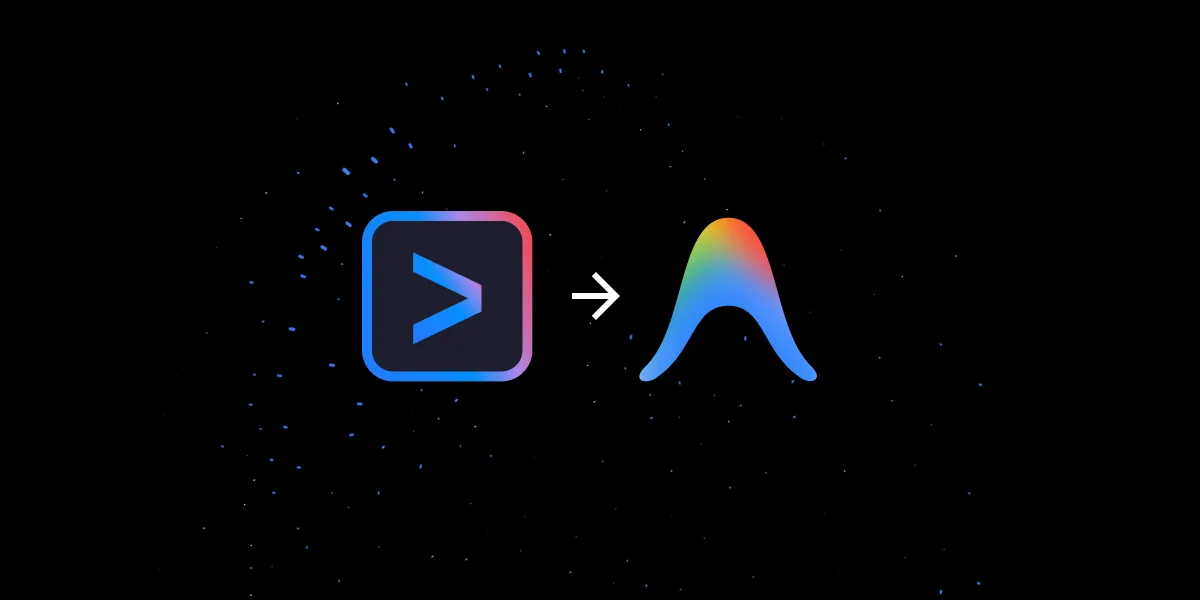
To handle multi-agent orchestration across background subagents without locking interactive terminal sessions, Google consolidated its consumer and multi-agent terminal roadmap into Antigravity CLI. Rewritten in Go for snappy startup and responsive terminal rendering, Antigravity CLI connects directly to the same server-side harness powering the Antigravity 2.0 desktop app.
Importantly, teams migrating custom workflows do not start from scratch: Antigravity CLI retains first-class continuity for Gemini CLI primitives—carrying forward Agent Skills, Lifecycle Hooks, Subagents, and converted Extensions packaged as Antigravity Plugins—while adding multi-model Orchestrator routing for Gemini 4 Hydrogen and desktop browser verification workflows.
Fixing auth errors: pick API key vs Antigravity Individual/Pro
If an existing workstation Gemini CLI installation rejects personal Google OAuth sign-ins after June 18, engineers have two clean paths. Individual developers without Cloud corporate seats should install Antigravity CLI and authenticate under Antigravity Individual ($0/month with weekly caps), Google AI Pro, or Google AI Ultra plans (with Business pay-as-you-go or $30/seat Standard/Plus options via Google Cloud).
Teams scripting CI runners or enterprise pipelines that specifically depend on legacy Gemini CLI flags can stay on gemini-cli v0.68.0 by switching authentication from personal OAuth to a funded Gemini Developer API key or a Google Cloud organization holding active Gemini Code Assist Standard or Enterprise entitlements.
Sources: An important update: Transitioning Gemini CLI to Antigravity CLI|Google Developers Blog ↗ google-gemini/gemini-cli v0.68.0 Releases|GitHub ↗ Google Antigravity Plans & CLI Access|Google Antigravity ↗
THE BROADER CONTEXT · GOOGLE DOSSIER
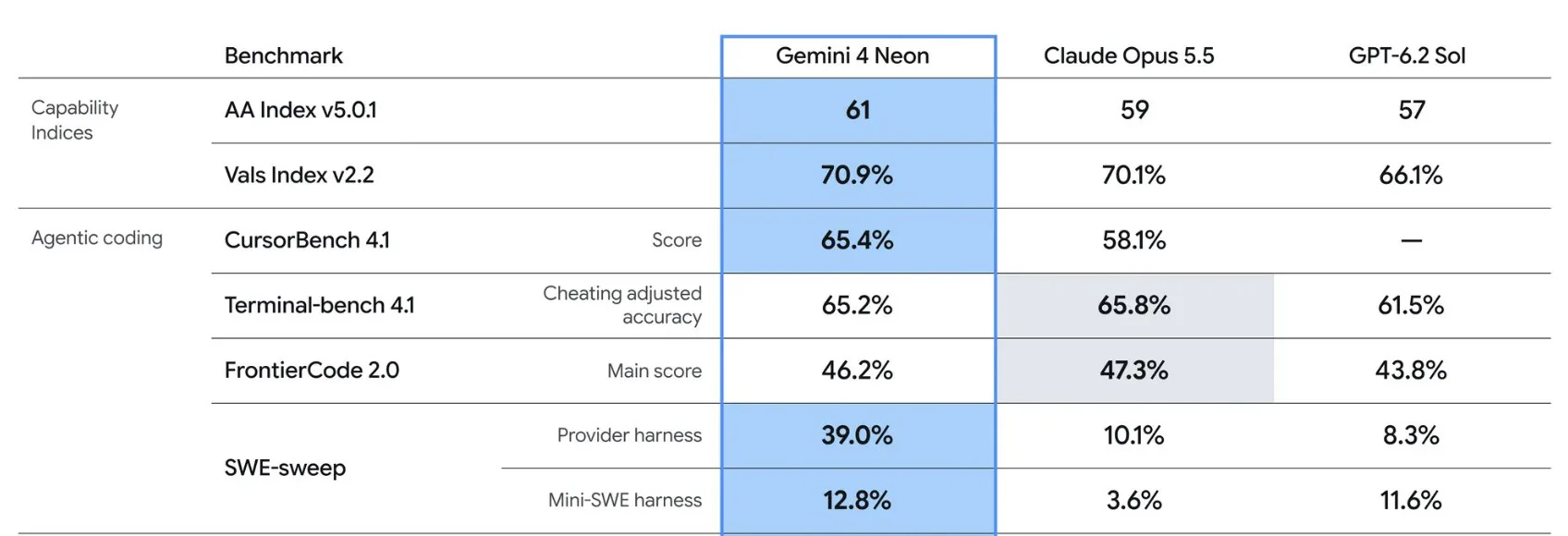
Explore full product specifications, pricing analysis, and continuous coverage in the Google Desk Hub. Independent benchmarks available on the AI Intelligence Index and Coding Agents Leaderboard.