ChatGPT GIF Generator Guide: Creating Looping Animations and Images 2.6 API Parameters
OpenAI’s Images 2.6 update brings animated GIF creation to ChatGPT and developers, utilizing automated sprite-sheet compilation, frame rate parameters, and strict generation constraints.
THE STORY IN THREE POINTS
- In ChatGPT consumer apps, users can generate looping GIFs from text prompts or animate static stills, but the system does not support uploading existing GIFs for subsequent animated edits.
- The API endpoint POST /v1/images/generations accepts output_format="gif", exposing frame_count (2–16, default 9) and frame_duration_ms (20–2000ms, rounded to 10ms intervals).
- GIF generation utilizes sprite-sheet synthesis before frame slicing, requiring dimensions to be exact multiples of 16 and disabling streaming, edit endpoints, and prompt rewriters.
Consumer workflows: Generating and animating GIFs in ChatGPT
The deployment of Images 2.6 across ChatGPT web, mobile, and desktop applications has made animated GIF generation an accessible consumer feature. Users can prompt ChatGPT to produce looping animated memes, diagrammatic demonstrations, or character animations from scratch. Furthermore, users can upload an existing static photograph and request ChatGPT to animate it into a seamless looping GIF.
However, Help Center documentation defines a crucial functional boundary: ChatGPT cannot accept an uploaded animated GIF for secondary frame-by-frame modification. Uploaded GIFs are flattened into single-frame reference stills before processing. Once generated within ChatGPT, users can adjust looping playback speeds, inspect individual keyframes, and export standard .gif files directly to local storage.
API configuration: Managing frame counts, duration, and sprite mechanics
For software engineers building on OpenAI’s developer platform, programmatic GIF generation is configured through the standard image generation endpoint (POST /v1/images/generations) by setting output_format="gif". The API introduces two primary temporal tuning parameters: frame_count, which accepts integer values from 2 to 16 (defaulting to 9 frames), and frame_duration_ms, which regulates frame exposure between 20ms and 2000ms (defaulting to 200ms, rounded automatically to 10ms steps).
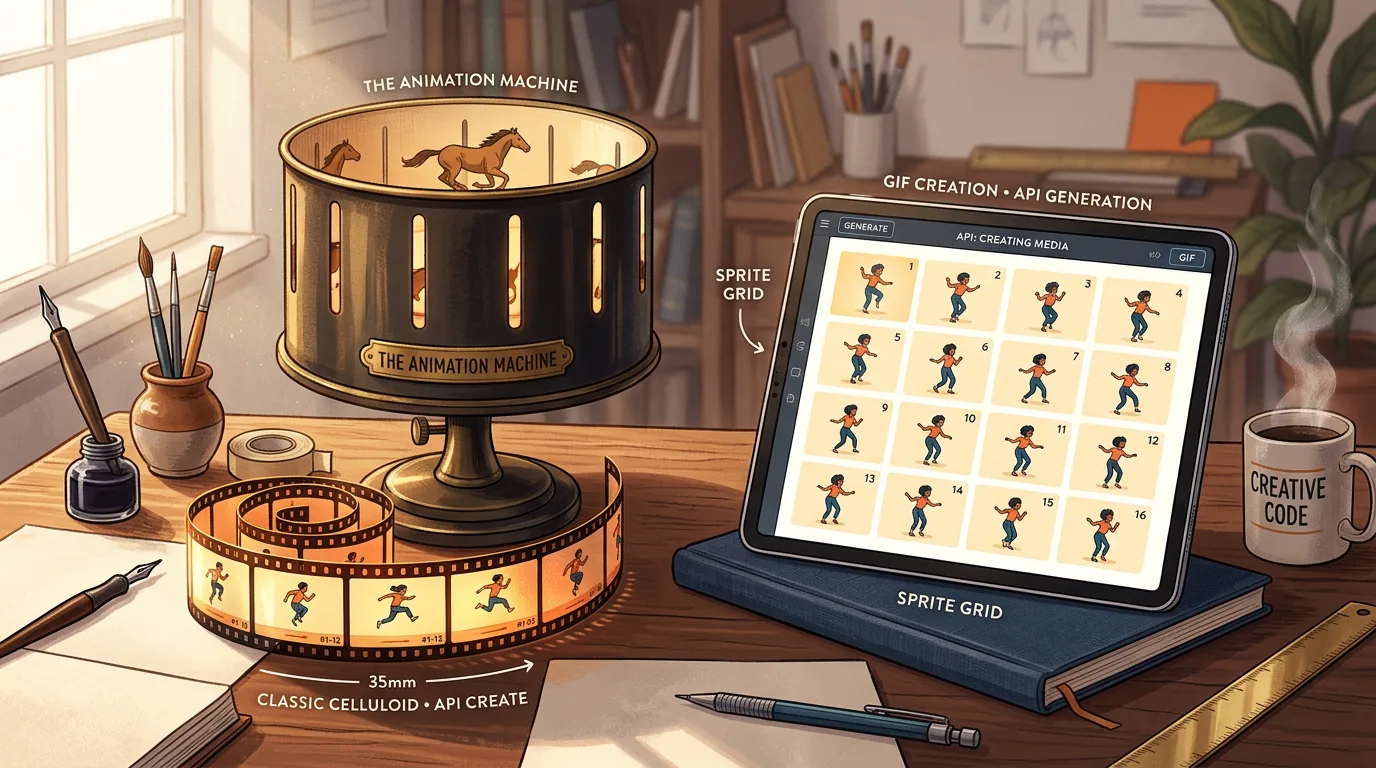
Under the hood, the GPT-Image-2.6 engine synthesizes animated sequences as unified high-resolution sprite sheets before slicing them into temporal frames. Because of this architectural design, canvas width and height parameters must be strict multiples of 16 pixels. Failing to adhere to this dimensional rule results in instantaneous HTTP 400 validation rejections.
Operational boundaries, billing rates, and endpoint restrictions
Engineers integrating GIF generation into production applications must account for several distinct API restrictions. First, animated GIF generation does not support server-sent streaming, partial image previews, or custom output compression algorithms. Second, the secondary edit endpoint (/v1/images/edits) explicitly disables GIF output, preventing iterative inpainting on moving frames.
Billing adheres to standard Images 2.6 rate cards: $8.00 per million input tokens, $30.00 per million output tokens, and $2.00 per million cached tokens. Because a 16-frame animated GIF generates substantially more latent image tokens than a single static render, teams should review effective per-image cost calculators before deploying high-frequency consumer bots.
Sources: Image Generation API Guide & Animated GIF Parameters|OpenAI Docs ↗ ChatGPT Images Help Center & GIF Animation Support|OpenAI Help ↗
THE BROADER CONTEXT · OPENAI DOSSIER
Explore full product specifications, pricing analysis, and continuous coverage in the OpenAI Desk Hub. Independent benchmarks available on the AI Intelligence Index and Coding Agents Leaderboard.