OpenAI Opens ChatGPT Space to Plus Users With Live-Updating Pages, Slides, and Mobile Editing
OpenAI’s centralized Space sidebar hub for collaborative pages, slides, sheets, images, and sites is now rolling out to ChatGPT Plus subscribers alongside mobile editing, auto-refreshing connected-tool sync, and dot participation.
THE STORY IN THREE POINTS
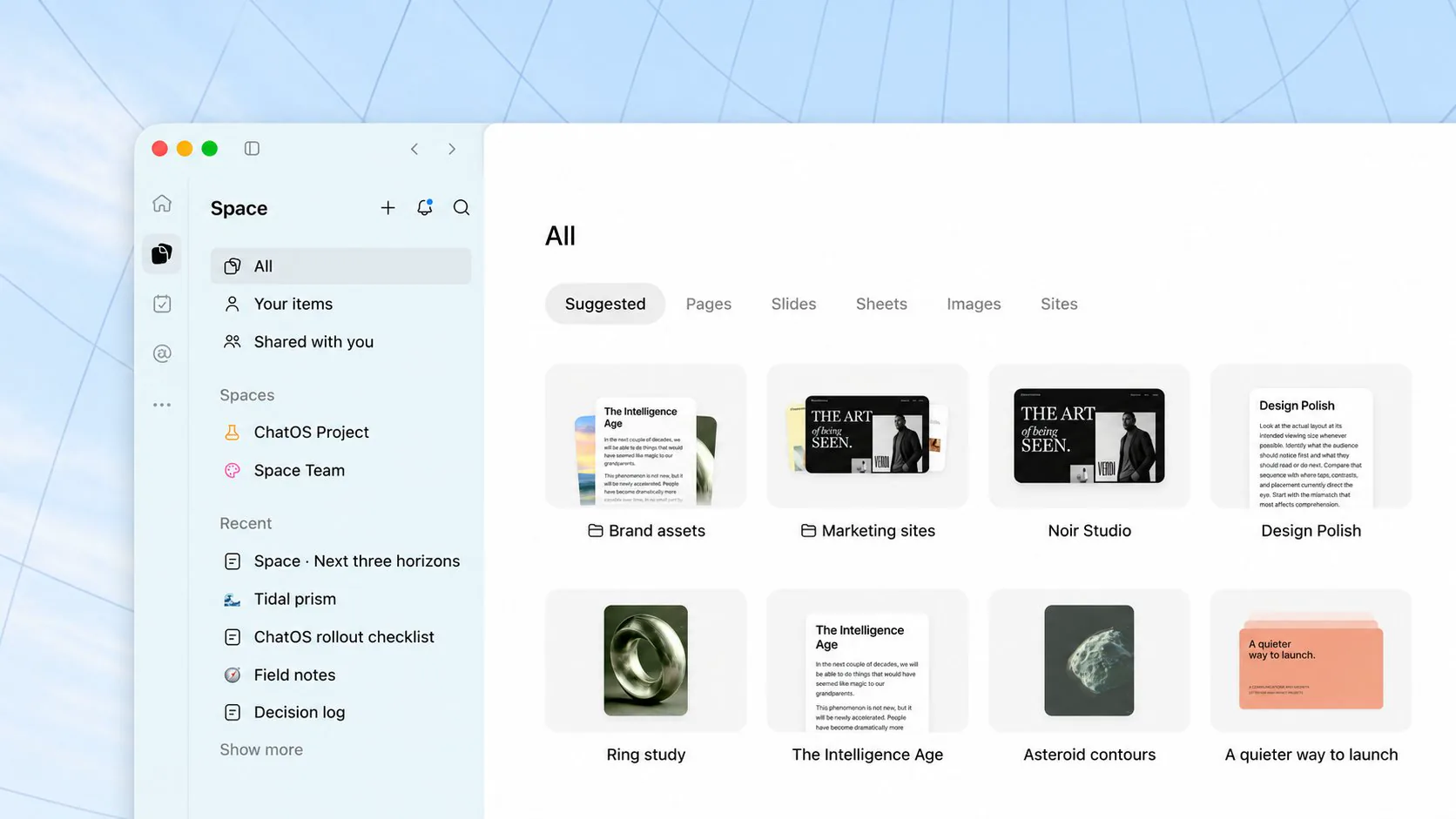
- ChatGPT Space—the unified sidebar workspace replacing the legacy Library across pages, slides, sheets, images, files, and sites—is now expanding to ChatGPT Plus subscribers.
- Teammates can co-edit interactive pages (with writing, research, images, and live charts) and slide decks together while keeping personal chat histories separate—and users with a dot can invite their persistent agent to participate directly.
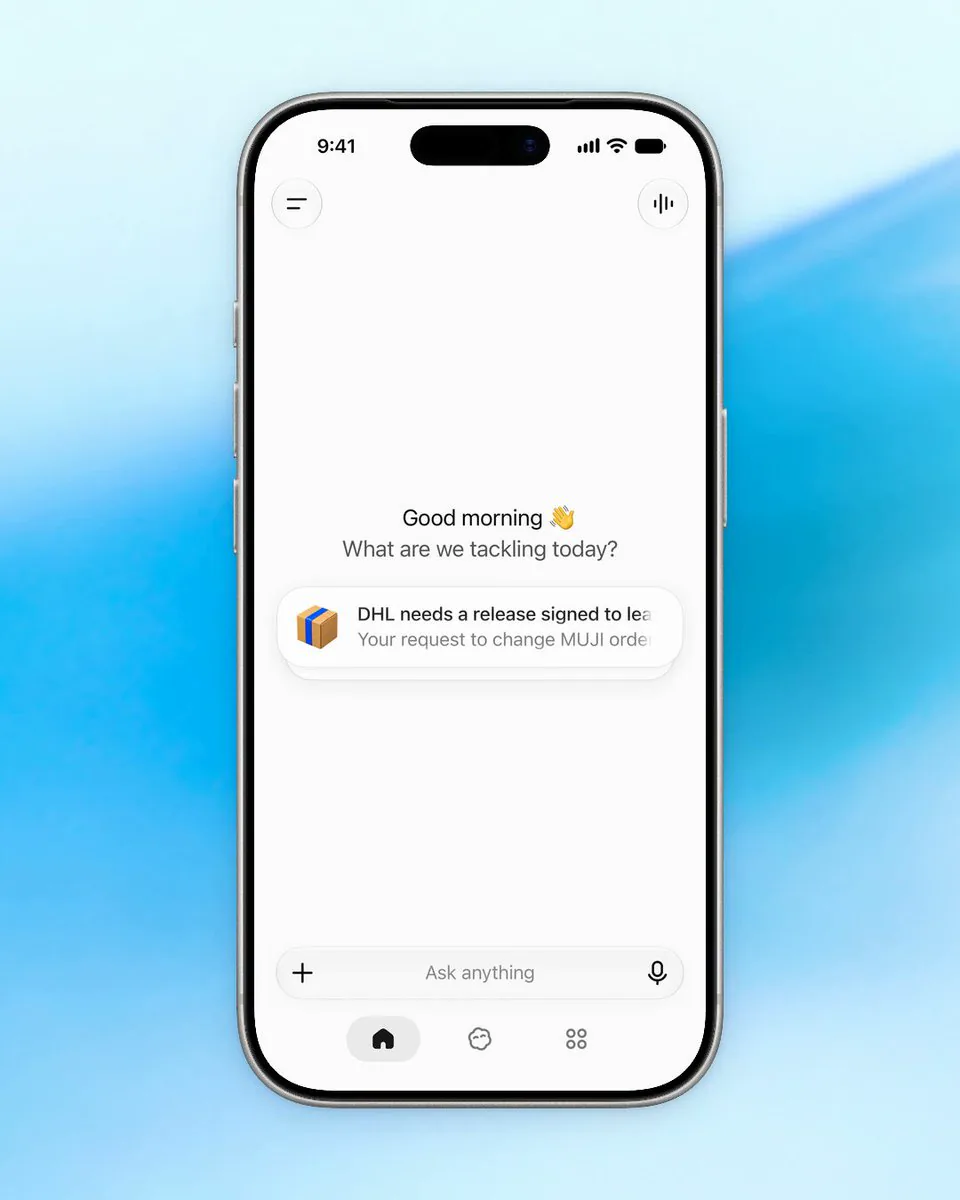
- New November 20 upgrades allow pages and slides to update automatically from connected tools (keeping project trackers, to-do lists, and itineraries current) and add full mobile editing alongside stability and smoothness improvements.
ChatGPT Space opens to Plus: unified sidebar home for pages, slides, and sites
OpenAI announced via @ChatGPT on November 20 that ChatGPT Space is expanding to ChatGPT Plus subscribers globally. Positioned in the ChatGPT sidebar as the centralized home for Pages, Slides, Sheets, Images, Sites, files, and uploads, Space consolidates standalone chat artifacts into organized multi-asset workspaces.
Rather than keeping outputs trapped inside linear chat threads, Plus users can build collaborative Pages combining prose, research, generated imagery, and interactive data charts alongside Intelligent UI elements, or convert outlines directly into editable slide decks and shareable sites.
Multiplayer co-editing with isolated memory—and shared dot participation
In a companion breakdown of Space capabilities, OpenAI highlighted multi-user collaboration built around shared documents without leaking individual chat history: collaborators invited to a Space page or slide deck can co-author alongside ChatGPT while each person’s private threads and personal memory remain separate.
Subscribers who have access to OpenAI dots can also bring their persistent personal agent directly into a Space workflow, letting a dot help draft updates, monitor connected workstreams, and coordinate document revisions asynchronously alongside human teammates.
Auto-updating from connected tools and full mobile Space editing
Beyond manual drafting, Space now lets pages and slide decks refresh automatically from connected applications and tools. OpenAI notes that recurring trackers—including personal to-do lists, engineering or launch checklists, and multi-leg trip itineraries—stay synchronized automatically rather than going stale after an initial prompt.
Rounding out the Plus rollout, OpenAI shipped full Space editing on mobile clients alongside underlying performance improvements described as smoother and more reliable, turning Space into a cross-device companion to OpenAI’s persistent workspace strategy.
Sources: ChatGPT Space Opens to Plus Users & Mobile Editing (@ChatGPT)|X ↗ ChatGPT Space Sidebar, Pages, Slides & Auto-Updates (@ChatGPT)|X ↗
THE BROADER CONTEXT · OPENAI DOSSIER
Explore full product specifications, pricing analysis, and continuous coverage in the OpenAI Desk Hub and dots Dossier. Independent benchmarks available on the AI Intelligence Index and Coding Agents Leaderboard.