Meta Launches the Muse Chrome Extension to Run Local Side-Panel Browser Tasks
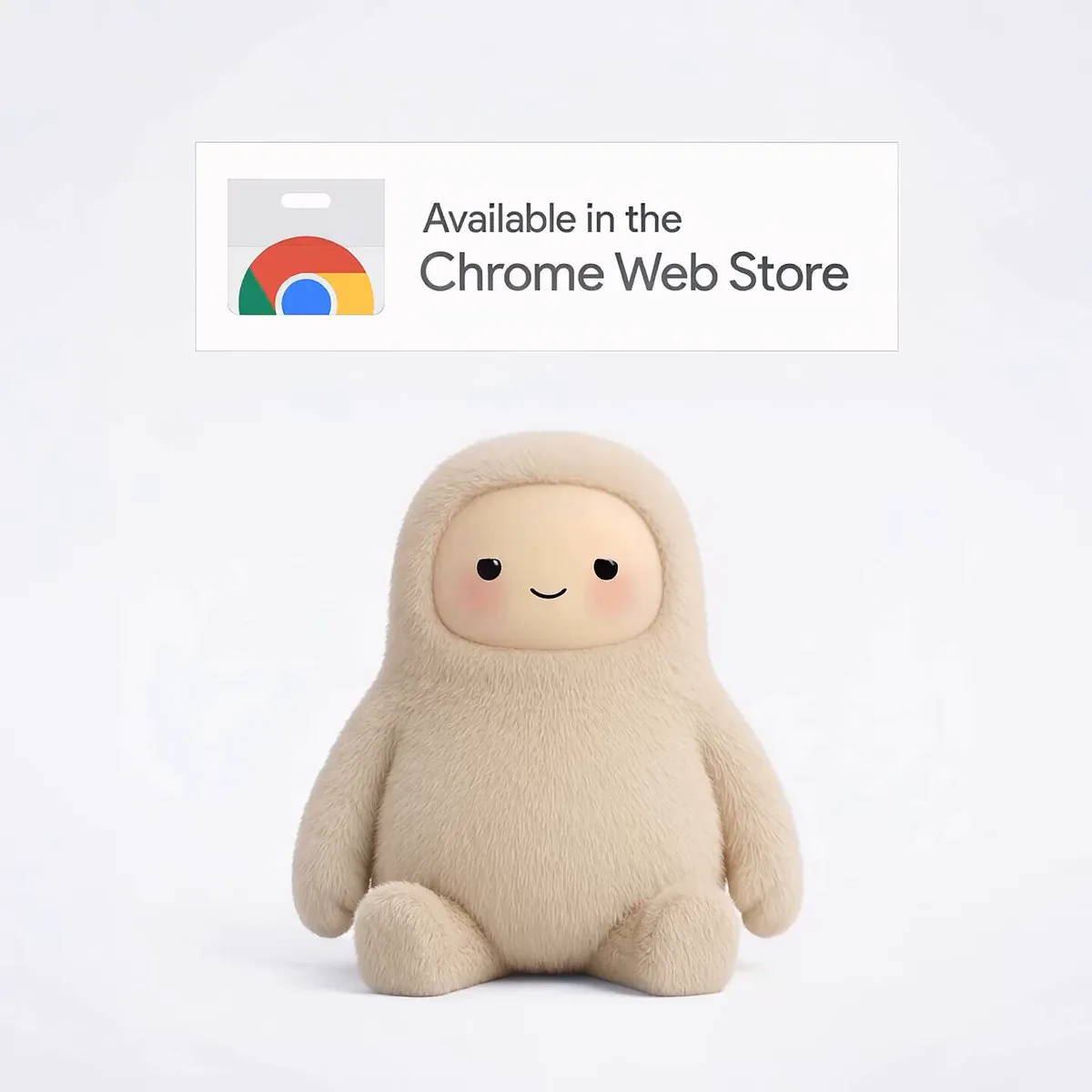
Available now on the Chrome Web Store as "Muse from Meta," the extension moves Meta’s personal AI assistant into Chrome’s local side panel to handle forms, price comparisons, and refund tracking inside already-authenticated tabs.
THE STORY IN THREE POINTS
- Meta officially launched the "Muse from Meta" Chrome extension on November 20, embedding the Muse personal agent inside Chrome’s local side panel.
- Unlike Muse’s isolated cloud VM browser, the local extension operates inside existing signed-in browser tabs—bypassing login walls and bot challenges during price comparisons, form fills, scheduling, and refund tracking.
- Meta states the extension works strictly inside a designated tab group, cannot access saved Chrome passwords, browsing history, or browser settings, and logs every action behind explicit user approval.
Bringing Muse from cloud VMs into local signed-in Chrome sessions
Meta’s official @Muse account announced on November 20 that the "Muse from Meta" extension is now live on the Chrome Web Store, extending Meta’s personal agent directly into desktop Chrome side panels.
When Meta introduced Muse in September, the assistant operated exclusively inside a remote virtual-machine cloud browser—cleanly isolated, but often blocked by two-factor logins, merchant anti-bot walls, or session cookies stored only on a user’s laptop. Running locally inside Chrome lets Muse assist with multi-step web chores—such as filling repetitive checkout forms, comparing retailer prices, managing schedules, or tracking returns and refunds—inside sessions where the user is already signed in.
Tab-group isolation, permission logs, and verifying the official listing
To bound risk inside a live personal browser, Meta’s documentation specifies that Muse operates strictly within a designated group of tabs rather than inspecting the entire browser profile: the extension cannot read saved Chrome passwords, full browsing history, or global Chrome settings. Users approve consequential actions before execution, inspect an activity log, and revoke permissions at any time.
Because Chrome Web Store search results include unrelated third-party add-ons carrying the word Muse, users should verify the publisher listing explicitly titled "Muse from Meta" before installing.
Connecting local browsing with Muse’s email, calling, and cloud VM stack
Shipping a local Chrome extension gives Muse users a two-tier browsing model alongside its original cloud VM browser: cloud tabs handle unattended background checks, while Chrome side-panel tabs tackle sites protected by strict local cookies, enterprise SSO, or anti-bot gates.
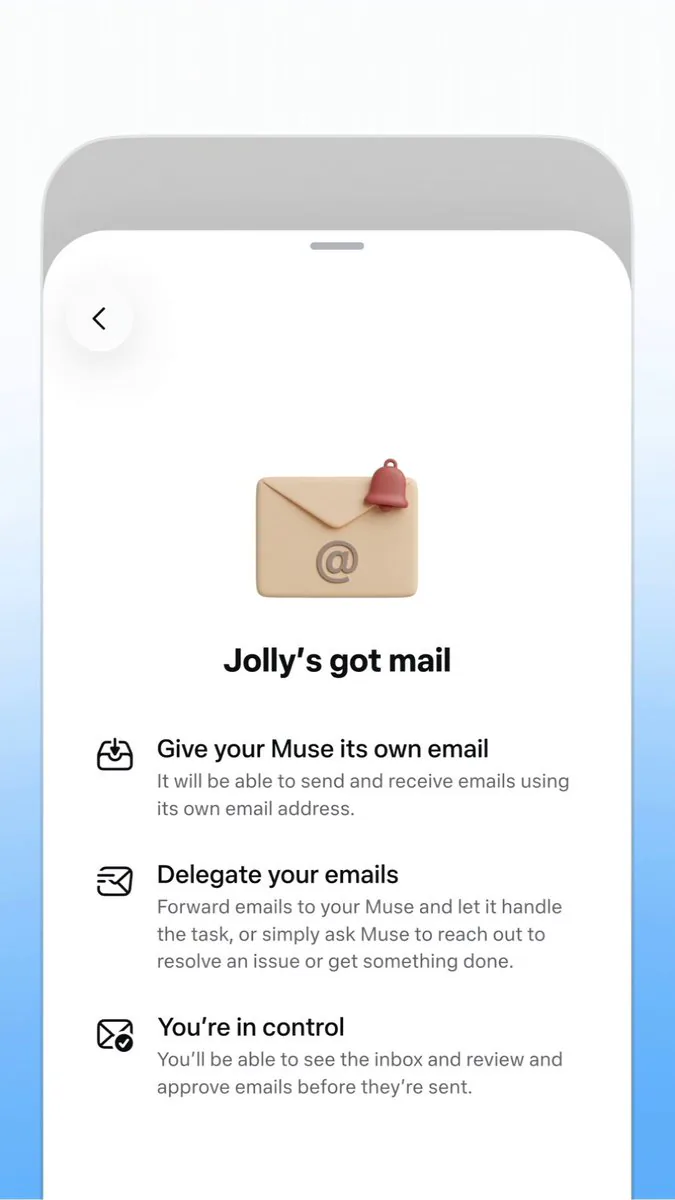
Combined with Meta’s same-day rollout of standalone @muse.ai email handles, US outbound phone calling, and its real-time voice avatar, Meta is systematically closing the practical friction points that have limited cloud-only personal assistants across its 10M+ user base.
Sources: Muse Chrome Extension Launch (@Muse)|X ↗ Muse from Meta Chrome Web Store Listing|Chrome Web Store ↗
THE BROADER CONTEXT · META DOSSIER
Explore full product specifications, pricing analysis, and continuous coverage in the Meta Desk Hub and Muse Dossier. Independent benchmarks available on the AI Intelligence Index and Coding Agents Leaderboard.