Grok Bot 1.0 Launches: Shared Team Bots, Slack and Microsoft Teams Integration, and Live Meeting Agents
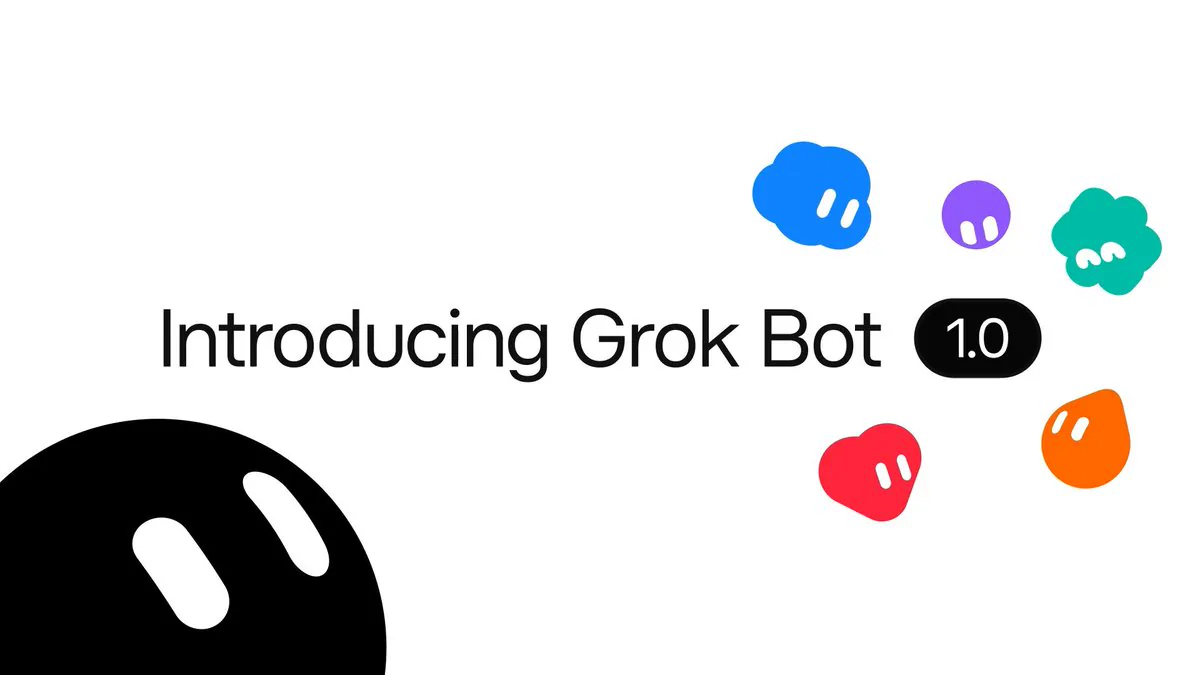
xAI officially releases Grok Bot 1.0 as a collaborative AI teammate that shares context across teams, works inside Slack and Microsoft Teams, joins live video calls, and continuously learns from team workflows.
THE STORY IN THREE POINTS
- Grok Bot 1.0 officially launches as a shared AI teammate, enabling organizations to share custom bots across teams and collaborate directly inside Slack and Microsoft Teams.
- Users can invite Grok Bot into live video meetings (including Google Meet, Zoom, and Microsoft Teams calls) to capture notes, answer questions in real time, and generate post-meeting summaries.
- Built on continuous workspace memory, Grok Bot 1.0 learns team conventions and project context over time, with Elon Musk amplifying the milestone across X.
Native Slack and Microsoft Teams collaboration plus live meeting participation
To embed agentic workflows directly where enterprise teams communicate, Grok Bot 1.0 delivers native integrations for both Slack and Microsoft Teams. Team members can mention or message the shared Grok Bot inside group channels and direct threads, allowing multiple colleagues to co-direct tasks, review generated outputs, and trigger downstream actions within a shared conversational context.
Beyond text channels, Grok Bot 1.0 can be invited directly into live meetings across Google Meet, Zoom, and Microsoft Teams. Once admitted to a call via a meeting link, the agent follows the live discussion, answers participant questions in the meeting chat, records structured notes, and delivers automated post-meeting action summaries.
Connecting team collaboration with broader Grok Bot capabilities
The 1.0 milestone builds upon xAI’s earlier foundation with Team Bots and credentialed enterprise sign-ins via 1Password integration. Teams evaluating deployment across seat tiers can also review our analysis of Grok Bot seat subscriptions and shared weekly compute pools as well as outbound telephony permissions in Grok Bot phone call rules.
Sources: Grok Bot 1.0 Official Launch Announcement|Grok Bot (@bot) on X ↗ Elon Musk Commentary on Grok Bot 1.0 Release|@elonmusk on X ↗ Elon Musk Follow-Up Repost on Grok Bot 1.0 Team Capabilities|@elonmusk on X ↗ Grok Bot Official Platform & Team Documentation|grok.bot ↗
THE BROADER CONTEXT · XAI DOSSIER
Explore full product specifications, pricing analysis, and continuous coverage in the xAI Desk Hub and Grok Bot & Team Bots Dossier. Independent benchmarks available on the AI Intelligence Index and Coding Agents Leaderboard.